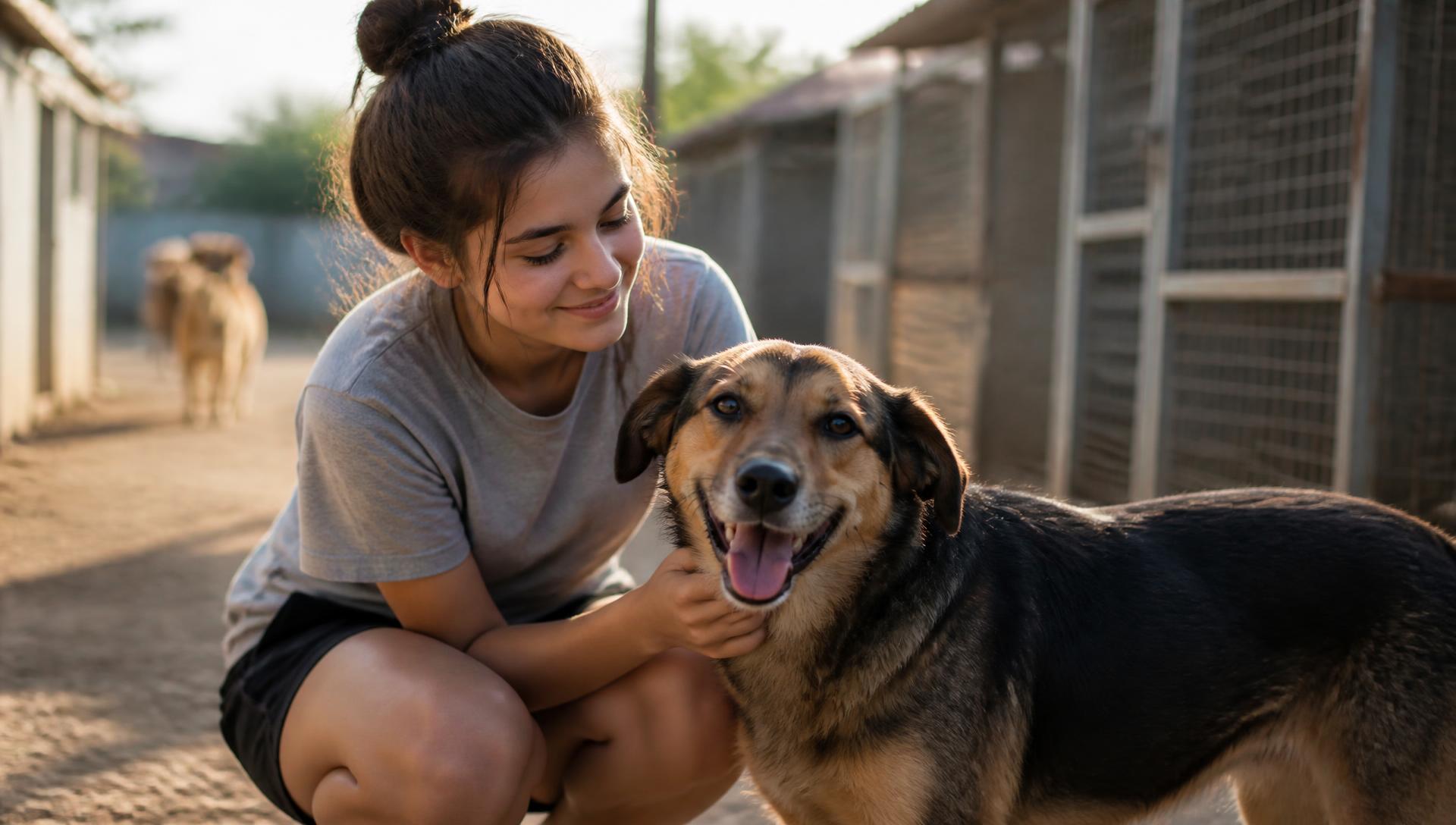
Help shelters get their animals seen.
Volunteer with local shelters, create content, and help more animals get noticed.
Inside nuzl
One product, two sides — from signup to a shelter's approved content library.
Here's how nuzl actually works: sign up, get onboarded and schedule a shift, upload what you create, tag it so it's findable, and track your impact.
- 01Signup
- 02Scheduling
- 03Uploading
- 04Tags
- 05Dashboard
Signup
Easy signup for volunteers and shelters.
Volunteers answer one short question per screen and pick a shelter. Shelters are approved by nuzl, then set up their profile, locations, and application in a guided wizard.
Volunteer signup
- Name
- Location
- Student status
- Interests
Shelter setup
- Shelter profile
- Locations
- Application
- Volunteer onboarding
Scheduling
Pick a shift that fits your week.
Shelters post shifts by location. Volunteers browse a calendar, list, or map, reserve a spot, and add it straight to their own calendar.
March
Downtown shelter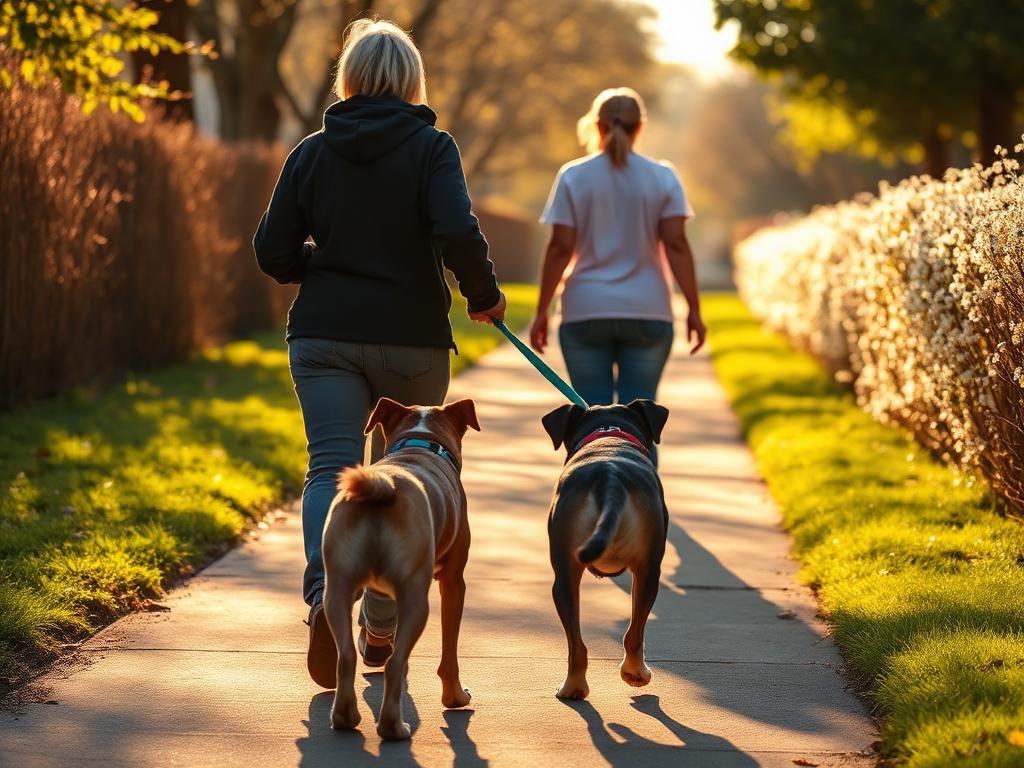
Los Gatos Shelter · Saturday
10:00–12:00 · 3 spots left
Uploading content
Upload raw and edited content in one place.
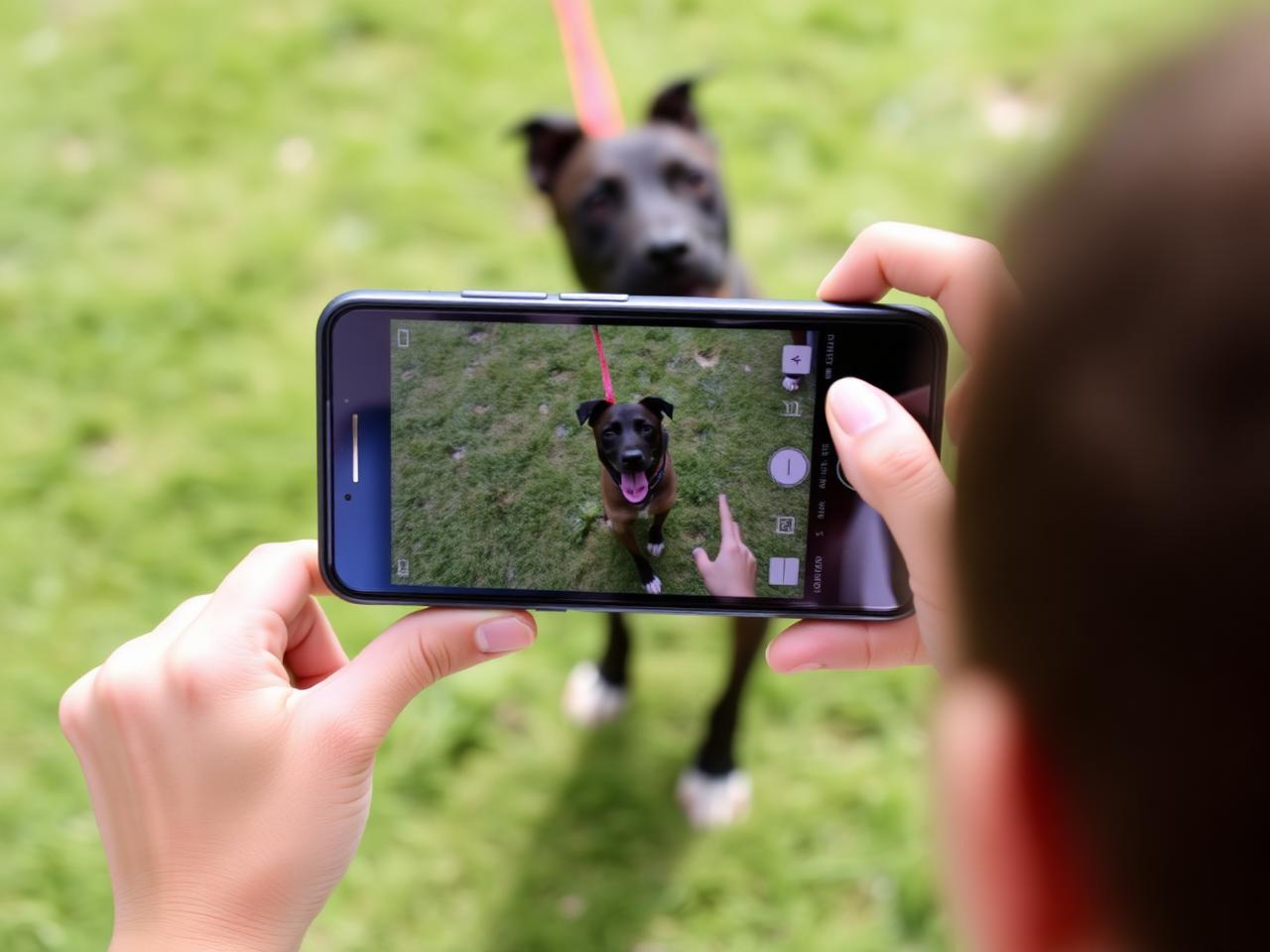
Volunteers upload straight from their phone, keep raw and edited versions together, and submit for the shelter to approve or send back for edits.
Upload content
Raw
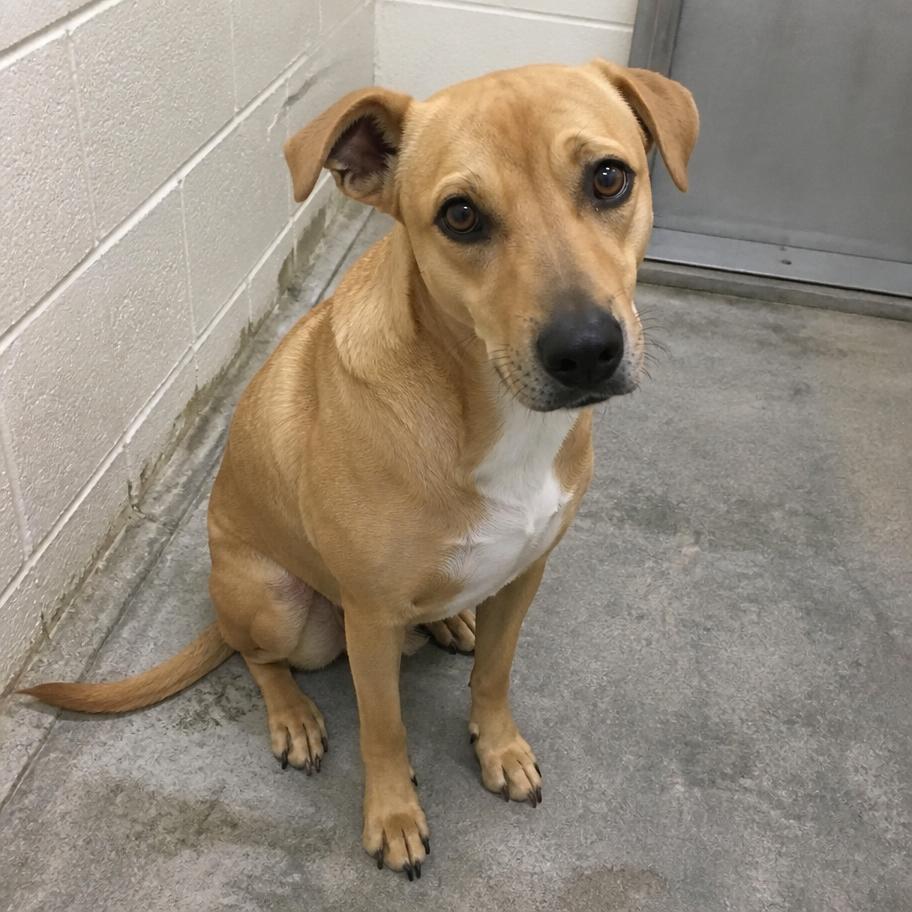
Edited

Tags
Shelter tags keep every photo findable.
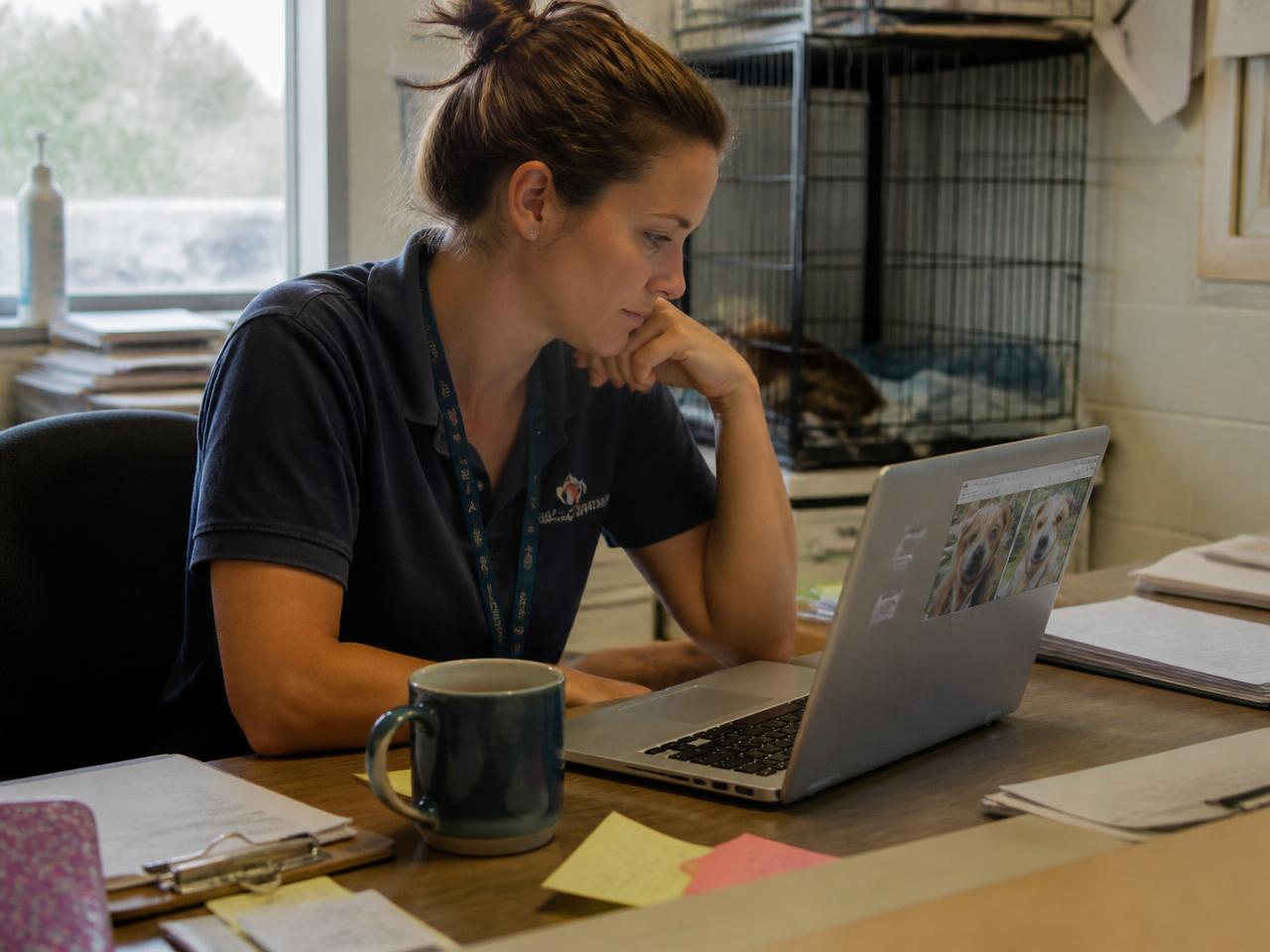
Shelters create their own tags — animals, settings, anything — and volunteers apply them at upload, so the approved library stays organized the shelter's way.
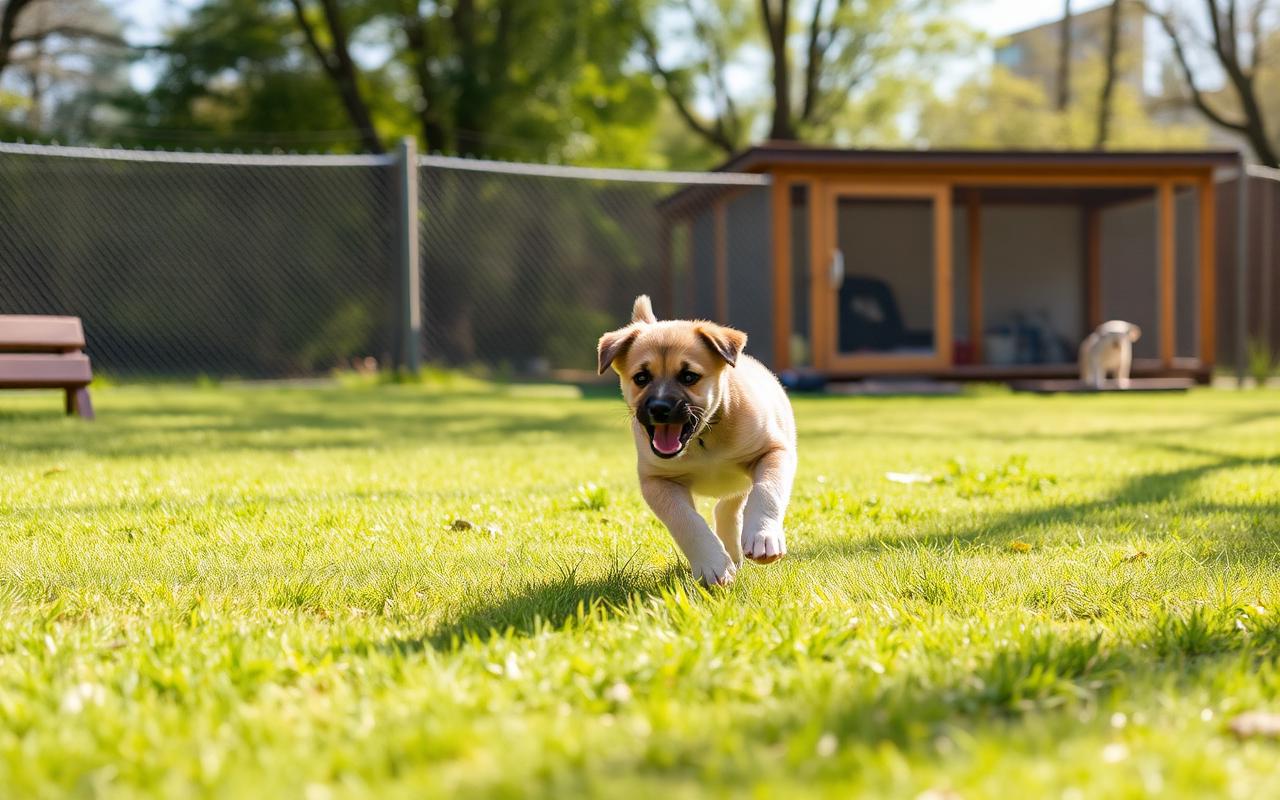
One video, three tags — it shows up under each of them.
Dashboard
Volunteers see their impact in one place.
Upcoming shifts, hours logged, submitted content and approvals — every volunteer gets a simple dashboard that tracks what they've contributed.
12
Hours
34
Uploads
28k
Views
Recent submissions